
Volusia County Directory Collections
No verified shelf list gives one exact run for every Volusia County community. The dependable approach is to search by city and year. The State Library of Florida city-directory collection spans the early 1900s to the present across Florida and arranges its holdings by city, then year. Its catalog should be checked separately for Daytona Beach, DeLand, New Smyrna Beach, Ormond Beach, and titles described as Daytona Beach and vicinity. Some countywide volumes may group several communities, but that should be confirmed from the title page.
| Collection | Years | Where Held | Access |
|---|---|---|---|
| Florida city directories | Early 1900s to present statewide range | State Library Florida Collection | On-site use and reference help |
| Ancestry Library Edition | Database-dependent | Every Volusia County Public Library branch | Branch computers or library Wi-Fi only |
| HeritageQuest | Collection-dependent | Volusia County Public Library online | Remote library database access |
| Local newspaper archives | News-Journal run reported back to 1915; other titles vary | VCPL and NewsBank | Name, address, and keyword search |
| Federal census schedules | Released through 1950 | NARA and library databases | Household research |
A blank catalog result does not prove that no volume exists. Exact publisher and year runs were not exposed in the official online catalogs reviewed for this project. Ask State Library Reference at 850-245-6682 or Volusia County Public Library local-history staff for a shelf check. Give the city, approximate year, and any variant title. Staff can confirm whether access is on a shelf, through microfilm, in a licensed database, or by reference request.
The source image from the State Library's directory collection page shows the official starting point for that shelf search.
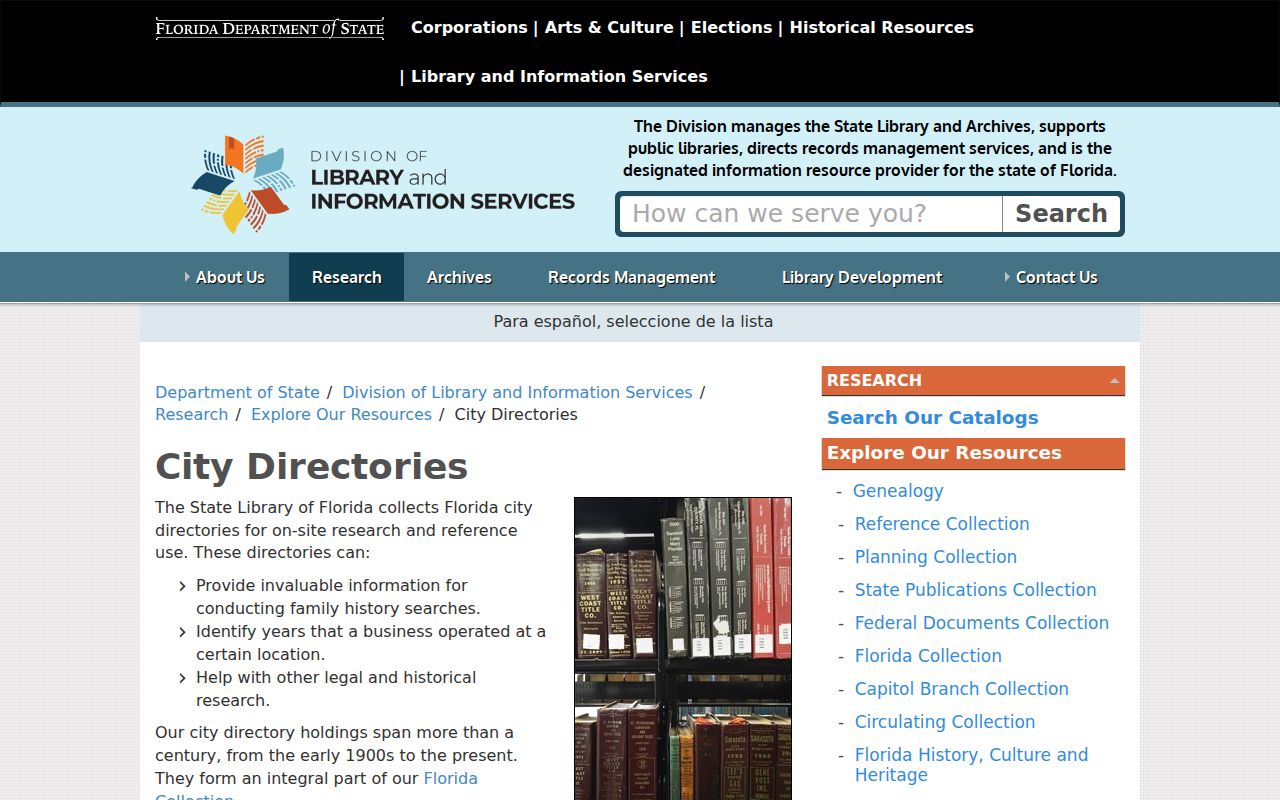
Use the collection description to frame a precise request, then confirm the city name and year against the volume itself.
Search Volusia Directories by City
Volusia County stretches from the Atlantic coast to the St. Johns River. Its old directory market followed cities, not the present county boundary. Search Daytona Beach and vicinity apart from DeLand, New Smyrna Beach, and Ormond Beach. A coastal title may include nearby or merged communities. DeLand material reflects the county-seat and university setting. A familiar postal place can also differ from the governing city, so the directory title is evidence of how the publisher grouped a place, not proof of municipal limits.
Try several catalog forms: the city alone, the city with “vicinity,” and the county name. Search a surname with and without initials. Multi-part surnames, suffixes, maiden names, and hyphens deserve separate passes. For an address, test the street with and without its suffix. Boundary changes, annexation, and renamed streets can hide a sound match under a different place label.
Note: No exact Volusia County publisher-by-publisher directory run should be stated until a library or archive confirms the shelf record.
Volusia Library Directory Access
The Volusia County Public Library branch network is the practical local access point. Daytona Beach Regional, DeLand Regional, Deltona Regional, New Smyrna Beach Regional, Ormond Beach Regional, Port Orange Regional, and the John H. Dickerson Heritage Library cover several parts of the county. Fourteen-plus branches and resources mean researchers need not begin in Tallahassee. Call a branch before traveling to ask where local-history print, microfilm, and database help is available.
The access rules differ. Ancestry Library Edition works only inside a branch on its public computers or Wi-Fi. HeritageQuest provides a remote option through the library. Fold3 adds military publications and records. NewsBank includes the Daytona Beach News-Journal, DeLand News Historical Archive, West Volusia Beacon, and other Florida newspapers. These sources do not duplicate one another, so a branch-only search and a home database search may return different evidence.
The official branch page pictured below helps identify the most useful desk and current contact details.
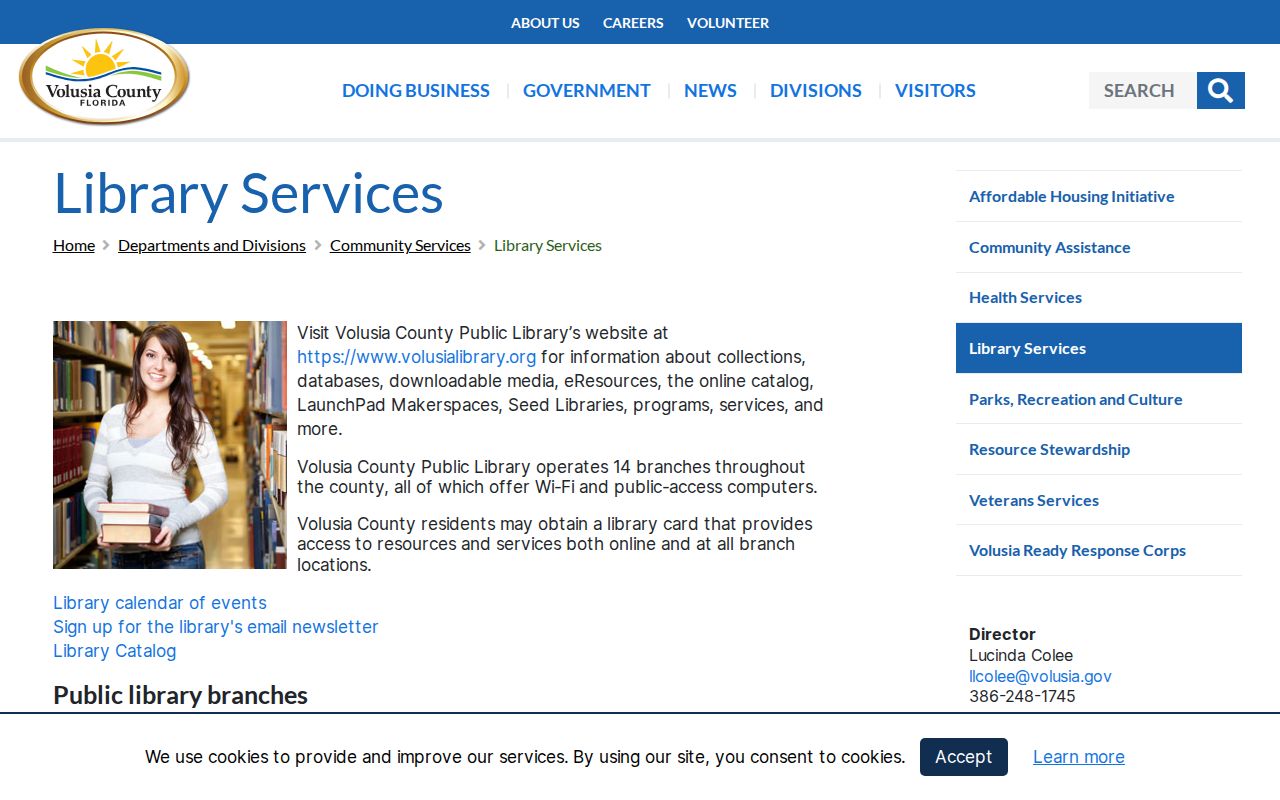
Confirm database access and local-history help with the chosen branch before a visit.
Compare Volusia Directory Databases
The library’s two main genealogy databases solve different access problems. This distinction matters when a city directory search seems to work at a branch but not from home.
| Service | Where It Works | Best Use |
|---|---|---|
| Ancestry Library Edition | Inside a VCPL branch | Broad census, land, probate, vital, church, and directory searching |
| HeritageQuest | Remote library access | Census, directories, and related family-history collections |
| NewsBank | Under library database rules | Address, surname, obituary, and local-event searches |
This branch-only versus remote split is easy to miss. Save the database name, collection title, image number, and publication details with each find. A copied name without its source is hard to verify later.
Read a Volusia Directory Entry
A Polk-style entry packs several facts into one line. Read it one field at a time, and do not assume that a short form has the same meaning in every volume. A resident may appear in the alphabetical section, a business cross-reference, and a street-order section. Photograph or cite the title page and abbreviation key first. Those pages identify the publisher, coverage area, edition date, and local symbols.
| Name | Surname, given name, and initials; a spouse may appear in parentheses |
|---|---|
| Work line | Occupation and sometimes an employer or business cross-reference |
| Residence | House number and street as printed in that edition |
| Tenure mark | Some editions distinguish a householder, owner, renter, or boarder |
| Family notation | A widow label may name the deceased spouse |
- Criss-cross directory
- A later directory section arranged by street and house number instead of by surname.
- Householder index
- A list focused on the person associated with a household address, under the publisher's own rules.
- Abbreviation key
- The volume's legend for symbols and short forms, often found in its front matter.
Common forms can include “rem,” “r,” “h,” “bds,” “wid,” and “emp.” They may mean removed, resides or rooms, householder or home, boards, widow, and employed. Verify each one against that edition. The same city directory may change format from year to year.
Reverse Volusia City Directory Search
A criss-cross section turns the usual search around. Start with the street, then move by house number to the listed occupant or telephone subscriber. That makes it useful for an old address, but it still reflects one edition and may omit unlisted people. A result does not establish every person who lived at the property.
For modern ownership and parcel facts, shift to the Volusia County streets resource. Historical directory evidence belongs beside census, deeds, and newspapers. It should not be stretched into a claim about current residents.
Bridge Volusia Directory Gaps
A person may vanish because a volume was not issued, the household was omitted, a city boundary changed, or optical character recognition failed. Search digitized newspapers by surname and by the address in quotation marks. Also try initials, nearby page images, and street-name variants. The Daytona Beach News-Journal archive is reported back to 1915, while DeLand and West Volusia titles provide other local paths.
Yearbooks, church archives, cemetery records, and local special collections can supply the missing link. Stetson University special collections, Bethune-Cookman University archives, the John H. Dickerson Heritage Library, the West Volusia Historical Society, Halifax Historical Museum, and Southeast Volusia Historical Society are promising contacts. Exact holdings, fees, and research hours must be confirmed directly. Private congregation or alumni rosters should not be assumed public.
Volusia Historical Record Companions
Maps and state collections add context to a city directory entry. Florida Memory offers digitized photographs, maps, manuscripts, and historical records. The Library of Congress Sanborn collection can show building footprints, old street names, numbers, and construction details where a Volusia city and year are available. Never assume a specific sheet exists until the catalog confirms it.
Vital records may settle a name or family link that the directory only suggests. The Florida birth-certificate page explains that recent birth access is restricted, while older historical research may require lawful substitutes.
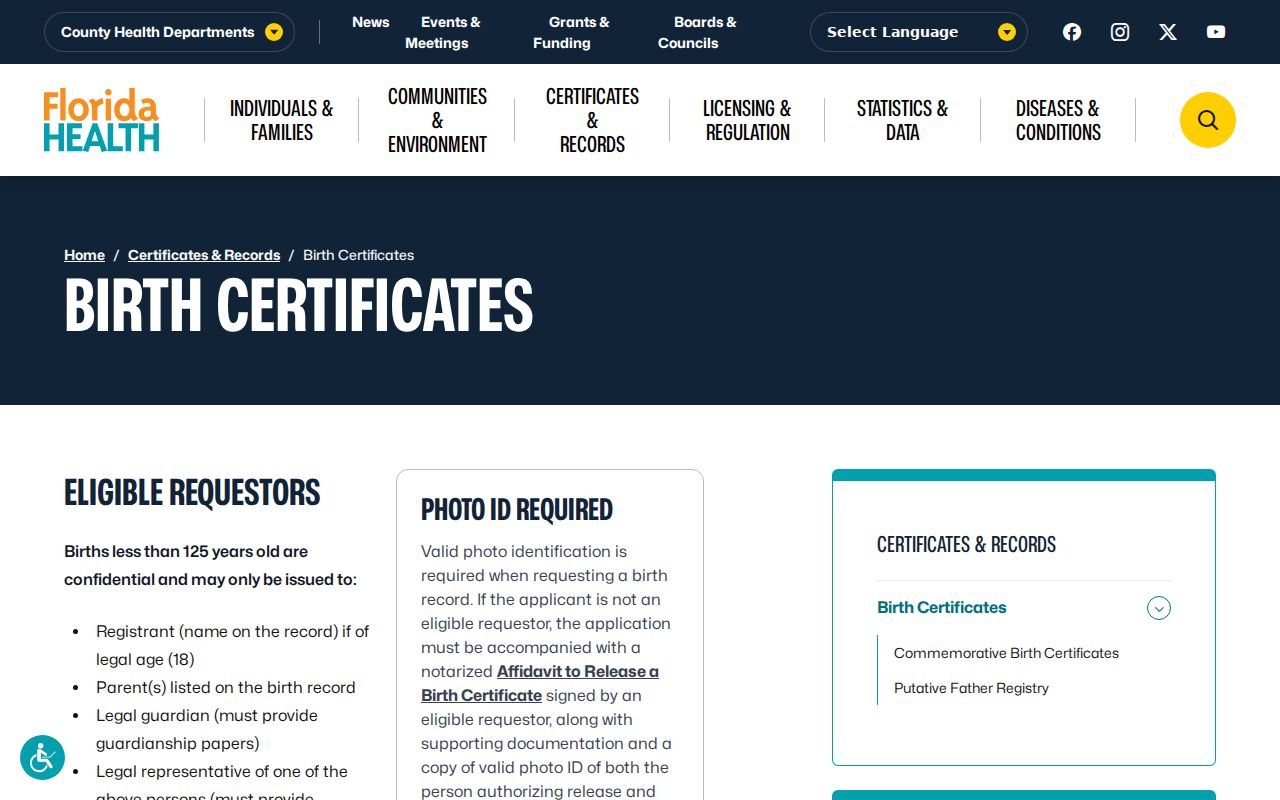
Use a directory as a lead, then obtain the right record from its custodian when proof is needed.
The state also publishes an official application and forms list for vital records.
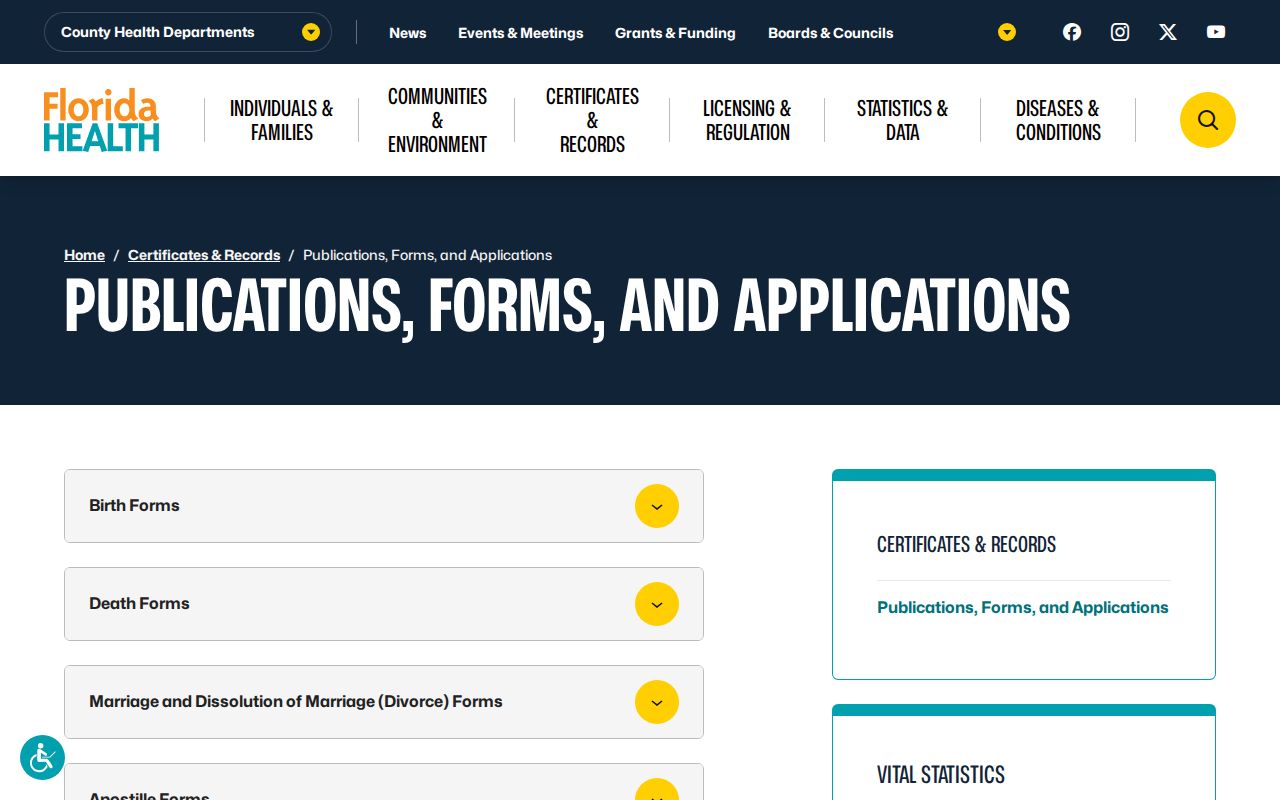
The form list helps separate a historical hint from the certified record process needed to confirm it.
Trace Family in Volusia Directories
Begin with the most secure name, year, and place. The 1950 federal census is the latest open population schedule and gives a strong household anchor. Choose the nearest city directory before and after that year, then record spelling, spouse, occupation, and address exactly as printed. Move issue by issue when the run permits.
- Find the person in a known census or well-dated family record.
- Check the closest directory years on both sides of that date.
- Copy each entry and cite the title page, year, page, and abbreviation key.
- Follow address and spouse changes through later issues.
- Pair the trail with deeds, obituaries, probate, and cemetery evidence.
A missing entry has several possible causes. The person may have moved, died, chosen not to be listed, lived outside the publisher's coverage, or been lost to an index error. Check the street section, nearby years, and newspapers before drawing a conclusion. If the goal shifts to confirming a person in current records, use the Volusia County resident lookup and compare independent facts rather than relying on the old listing alone.
Volusia Directory Research Timeline
City directories sit inside a broader Volusia County records timeline. This helps explain why a historical search may change offices or formats as it moves backward.
- 1854: Volusia County was created, though each record series must be checked for its own actual start.
- 1887: The Clerk's accessible courthouse research media and books use this practical starting point for official records.
- Early 1900s onward: The State Library's statewide city-directory range begins, with exact local titles confirmed in the catalog.
- 1915 onward: The Daytona Beach newspaper run is reported in the library's digitized resources.
- 1950: The latest open federal population census supplies a key household checkpoint.
Directories evolved city by city, while recorder and court research centralized in DeLand. Preserve both place labels. They explain why the same family may appear under a coastal city title, a vicinity heading, or a county record at different points in time.